Tool comparison
Choosing between codeformer vs stablediffusion
The useful question in codeformer vs stablediffusion is whether you need to repair a face in an existing image or create and edit visual content more broadly. CodeFormer focuses on face restoration; Stable Diffusion is a family of generative image models whose results depend heavily on the model and workflow you choose.
total-cost table
Neither name identifies a single checkout price. Compare the complete workflow instead: access method, image preparation, retries, and any editing needed afterward.
- codeformer vs gfpgan Compare two tools aimed more directly at restoring faces in existing images.
- can codeformer fix blurry faces See which kinds of facial blur restoration may improve and which lost details remain uncertain.
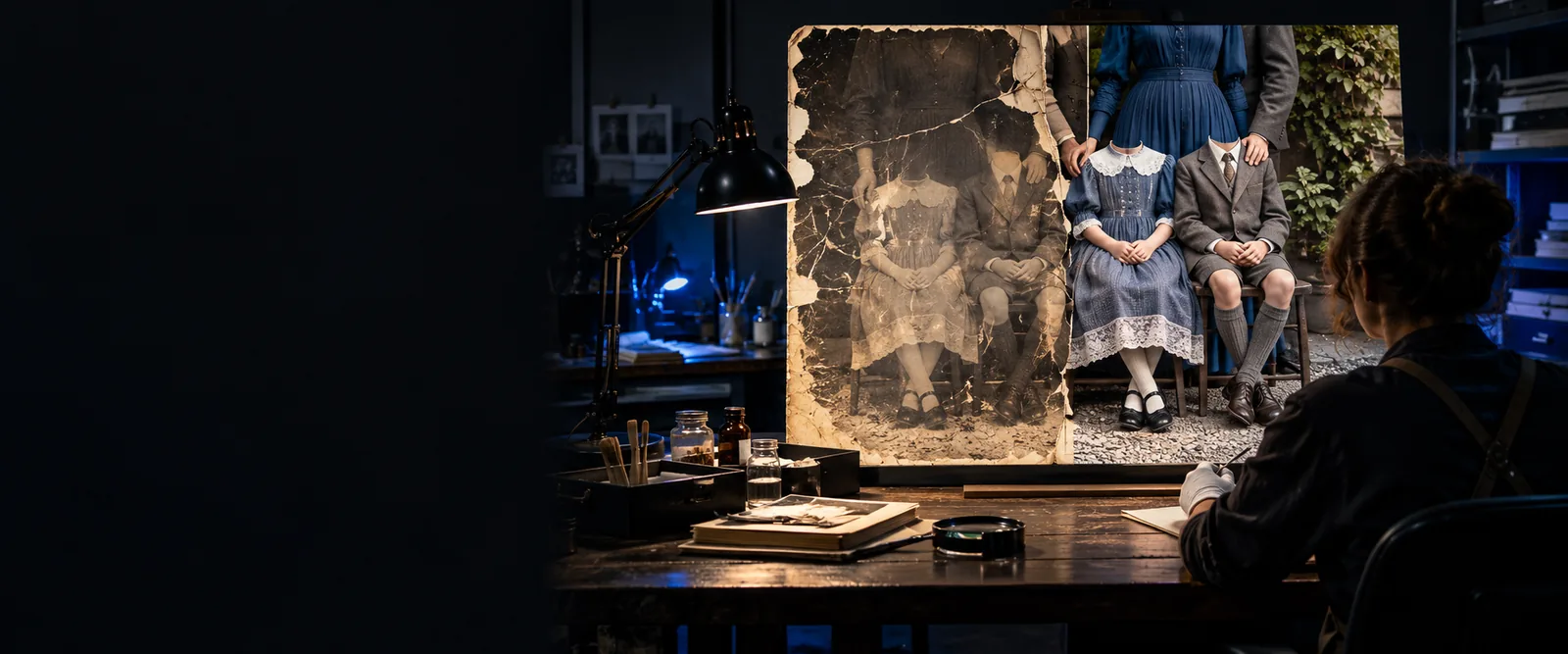
- can codeformer restore old photos Understand where face restoration fits within the larger job of repairing an aged photograph.
where quality differs
Start with the result you need to preserve, not a generic claim that one model makes better images.
-
1
Identify the part that needs work
If the scene is acceptable but a photographed face is degraded, test face restoration first. CodeFormer is designed to reconstruct facial detail while working from the supplied image. If you need a new setting, composition, or subject, a generative Stable Diffusion workflow is the more relevant starting point.
-
2
Inspect identity and surroundings
A restored face can look sharper without matching the person's original features exactly, particularly when the source contains little usable information. A generated or heavily edited image may be visually convincing while departing further from the source. Compare eyes, mouth, expression, hairline, lighting, and the boundary between face and background.
-
3
Judge the full-size output
Do not decide from a small preview alone. Zoom in for invented texture, uneven skin, mismatched edges, or changes to distinctive features. Then zoom out: a clean face can still look unnatural if the rest of a damaged photo remains soft or scratched.
where time differs
The shorter workflow depends on your goal. A focused face repair and an open-ended generation task do not require the same decisions.
Neither route guarantees a faithful face
Severe blur, tiny faces, occlusion, and missing pixels leave room for plausible but inaccurate reconstruction. More iterations cannot establish details that the source never recorded.
What to do instead
Keep the original, compare several outputs, and seek a better scan or another reference photo when identity matters.
Face restoration is not whole-photo repair
CodeFormer targets faces rather than every scratch, torn area, object, or background in an old photograph. A face-only improvement may make surrounding damage more noticeable.
What to do instead
Plan separate cleanup for the rest of the image, then check that sharpness and color remain consistent.
Generation adds choices, not certainty
Stable Diffusion workflows can involve model selection, prompts, masks, settings, and multiple candidates. Those controls can be valuable, but they take time and may change details you meant to preserve.
What to do instead
Write down the required features before editing and assess candidates against that list rather than visual appeal alone.
This comparison cannot quote a universal price or runtime
Access costs and processing times depend on the service, hardware, image size, and number of attempts. The model names alone do not determine what you will spend.
What to do instead
Check the terms of the specific service you plan to use and budget for retries and any separate finishing work.
when switching is worth it
In codeformer vs stablediffusion, switching makes sense when your intended output changes—not simply because one result looks more dramatic in a preview.
| CodeFormer | Stable Diffusion | |
|---|---|---|
| Primary job | Restore degraded facial detail in an existing image. | Generate or edit images through a chosen model and workflow. |
| Starting material | An image containing a face to restore. | A text prompt, an existing image, or both, depending on the workflow. |
| Best reason to choose it | The photograph's composition works and the face is the main problem. | The composition, scene, or visual concept needs substantial change. |
| What to inspect | Identity, facial texture, expression, and the face-to-scene boundary. | Prompt alignment, consistency, unintended changes, and any preserved source details. |
| Likely workflow effort | Focused assessment of the input face and restored result. | Potentially broader setup, prompting, selection, masking, and revision. |
| Poor fit | Creating a new scene or repairing damage across an entire photograph. | Treating a generated reconstruction as proof of a person's original appearance. |
| Cost comparison | Check the chosen provider or local setup, plus the cost of any additional photo cleanup. | Check the chosen provider or local setup, plus the time and resources used for iterations. |
Compare the results yourself
Start with a representative image and a clear success criterion. If your priority is a recognizable face in an otherwise usable photograph, assess restoration before attempting a broader edit. If you need a different scene or substantial creative changes, explore generation and evaluate what it preserves as carefully as what it creates.
Use the task to guide your next test
- Keep the unedited source for comparison
- Inspect distinctive details at full size
- Check the service's terms before processing
comparison FAQ
CodeFormer is a face-restoration model intended to improve degraded faces in existing images. Stable Diffusion refers to generative image models used in a range of creation and editing workflows. They overlap when an edit involves a face, but they solve different primary problems.
It can be part of an image-editing workflow, but generating plausible facial detail does not establish what the original face looked like. For a photo whose scene should stay intact, try a focused restoration approach first and examine any changes to identity.
CodeFormer is not a text-to-image generator. It works from an existing image containing a face, so a new portrait or scene calls for a generative workflow instead.
There is no universal answer from the model names alone. The service or hardware, input size, setup, number of attempts, and follow-up edits all affect total cost and time. Compare the specific routes available to you using the same image and a defined finish line.
Yes, when the photograph needs both broader editing and focused attention to a face. Keep intermediate versions so you can tell which step introduced an unwanted change, and make the final judgment against the original rather than only the previous output.