Frame-by-frame restoration
Can you use code former for video clips?
Using code former for video means extracting still frames, restoring faces where needed, and checking the assembled clip for continuity. CodeFormer is a face restoration model, not a complete video editor, so a good-looking frame is only part of the job.
Why a sharper frame can still make a clip look worse
A face that looks convincing in isolation may flicker once the frames play in sequence.
- codeformer comfyui See how a node-based image workflow can fit into a larger frame-processing pipeline.
- can codeformer fix blurry faces Understand what face restoration can improve in a soft source image and what detail it cannot reliably recover.
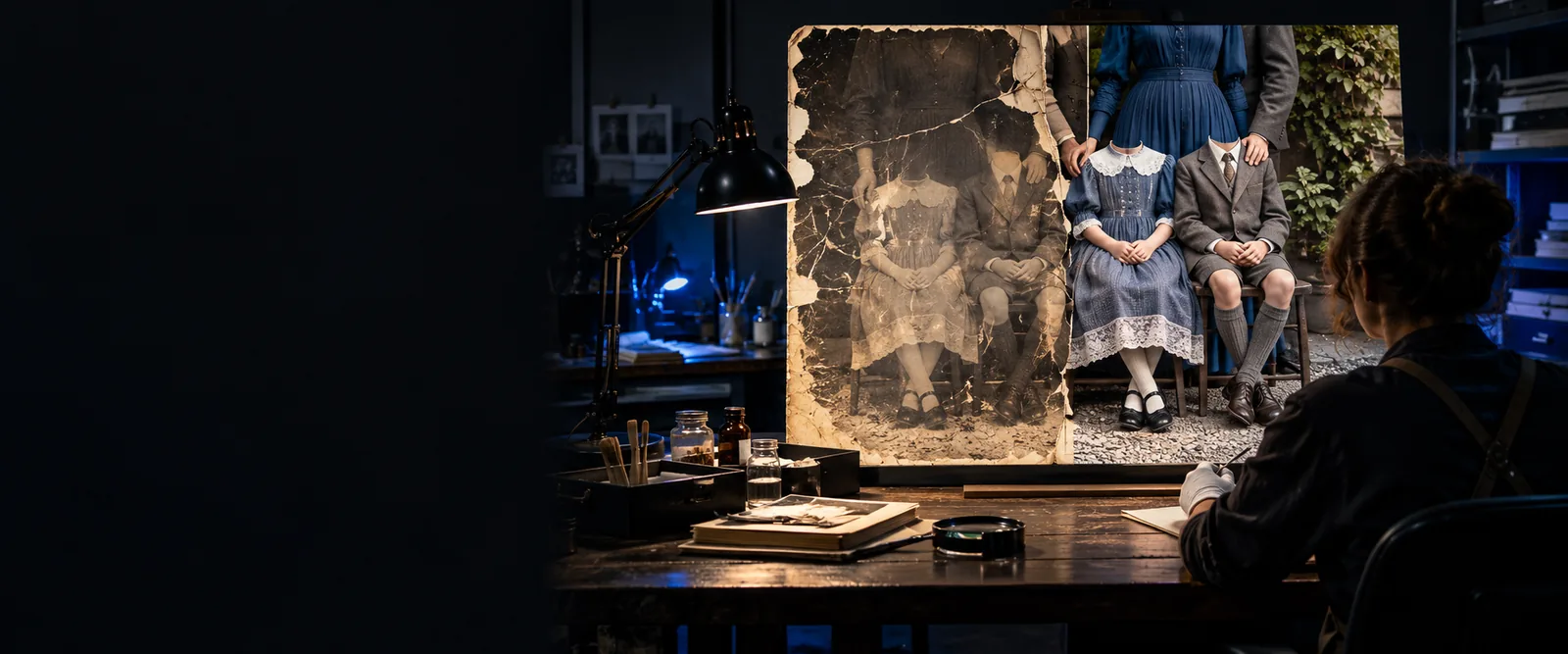
- can codeformer restore old photos Compare the challenges of restoring a single archival portrait with those of maintaining consistency across moving frames.
Three concrete workflows for moving footage
Choose a workflow based on how much of the clip needs attention; processing every frame is not always the best starting point.
-
1
Test a short representative segment
Export a brief run that includes head turns, changing light, and at least one difficult face. Keep the original frames and their order intact. Try CodeFormer on the extracted images, reassemble a preview, and watch it at normal speed before committing to a longer video.
-
2
Restore selected face regions
For footage with usable backgrounds, isolate the faces that need work instead of replacing whole frames. Apply restoration to those regions, composite them back into their original frames, and inspect edges around hair, glasses, and hands. Compare nearby frames to catch changes in facial shape or skin texture.
-
3
Review and finish the sequence
After processing, rebuild the clip in the correct frame order and preserve its intended playback rate. Review cuts, motion, and moments when a face enters or leaves view. Resolve visible flicker or identity drift before exporting a final version; audio and timing need separate checks.
Example output
This is a review checklist for a candidate restored clip, not a claim that every source frame will improve. Compare the untreated footage with the assembled result.
| Untreated source clip | Candidate restored clip | |
|---|---|---|
| Face detail | Inspect the original softness and any compression artifacts. | Check whether the face is clearer without acquiring implausible features. |
| Identity | Use recognizable features in the source as the reference. | Check whether those features remain recognizable across the shot. |
| Frame-to-frame texture | Note how skin texture changes with movement and light. | Watch for detail that appears and disappears between adjacent frames. |
| Expression | Identify changes in the mouth, eyes, and brows during motion. | Confirm that expressions still follow the original performance. |
| Face boundaries | Inspect the original edges near hair, glasses, and occluding objects. | Look for halos, shifting outlines, or visible compositing seams. |
| Whole-clip playback | Record the original timing, cuts, and audio alignment. | Play the assembled video to check continuity, timing, and sync. |
Compliance notes
Obtain permission to work with footage of identifiable people and respect applicable rights to the source video. CodeFormer may synthesize plausible facial detail rather than recover a verified record of what was there. For documentary, evidentiary, or archival material, retain the original, document the edits, and disclose material restoration where accuracy matters. If you are exploring image restoration tools, start with a still-frame test and verify what the destination supports before planning a full video workflow.
Restore carefully, then review in context
- Keep an unchanged copy of the source footage.
- Get appropriate consent before processing identifiable faces.
- Do not present reconstructed detail as verified original detail.
Scenario FAQ
CodeFormer is principally used for face restoration in images. A video workflow generally involves extracting frames, processing images, and assembling them again with separate video tools. Check the interface you intend to use rather than assuming it accepts a video upload.
No. Even if individual frames look better, small differences in generated facial detail can become conspicuous during playback. Test a short moving segment and compare adjacent frames before processing the entire clip.
A tiny face may not contain enough source information for a reliable result, and an obscured face has detail the model cannot verify. Restoration can produce plausible features, but plausibility is not proof of the person's actual appearance. Preserve the source and avoid using such results as factual evidence.
Play the sequence at its intended speed and inspect head turns, expressions, occlusions, cuts, and lighting changes. Confirm that frame order, playback rate, and audio sync still match the source. A few attractive stills are not enough to establish that the full video works.
Yes. Choose frames from both easy and difficult moments to see whether CodeFormer produces an acceptable look. Then reassemble a short run of consecutive processed frames: that test reveals temporal problems that isolated images cannot show.