Restore a photo
English

Portrait clarity

Can CodeFormer fix blurry faces in your photos?

Often, yes. CodeFormer can reconstruct facial detail in a soft or degraded portrait, but it cannot verify what an obscured person actually looked like. Start with the clearest original you have and judge the result against it.

Portrait imagery illustrating facial detail

One full run-through

Consider a slightly out-of-focus family portrait: keep the original, restore a copy, then inspect the face at normal viewing size and close up. These situations show what to check along the way.

Family photo keeper

The eyes and mouth are visible, but the face looks soft in a scanned group picture. Keep the untouched scan beside the CodeFormer result and compare expression, age cues, and distinctive features.

A clearer-looking face may make the picture easier to enjoy; treat newly defined details as an interpretation, not historical proof.

can codeformer restore old photos

Portrait editor

A phone portrait has mild facial blur while the background is acceptable. Compare the restored face with the source at the same display size before deciding whether it belongs in the final edit.

CodeFormer may improve perceived facial clarity, although a mismatched face can look less natural than the original softness.

codeformer examples free

Archive researcher

A small face in a group photo has almost no readable features. Check the original crop first and avoid interpreting a polished output as identification evidence.

The safest result may be to retain the blur when the source cannot support a trustworthy reconstruction.

what does codeformer do

Image retoucher

An edited portrait has an unnaturally smooth face. Revisit the source and compare restoration approaches before committing to a version.

The useful output is the one that balances clarity with resemblance, not necessarily the sharpest-looking face.

codeformer vs gfpgan

Options table

Use these source-image choices to decide whether restoration is worth attempting. They describe a review workflow, not confirmed controls on a particular service.

  1. 1

    Mild softness: try the original

    Choose the least compressed full-size photograph available. CodeFormer has more facial structure to work from when the eyes, nose, and mouth are still distinguishable.

  2. 2

    Small face: look for a better source

    Check for an uncropped scan or a higher-quality copy before restoring. Enlarging a tiny, blurry face does not create the missing evidence.

  3. 3

    Severe blur: preserve the source

    If facial landmarks are unreadable, keep the original and label any restored version as interpretive. CodeFormer may produce a plausible face that does not match the person.

What fails

CodeFormer is a face-restoration model, not a way to retrieve information that a photograph never captured. Inspect the source and output together before sharing either as a faithful record.

1

Unrecoverable identity

Severe motion blur or a face only a few pixels wide can leave too little evidence for a faithful reconstruction. A convincing result may still have invented features.

What to do instead

Find another frame, an earlier scan, or a less compressed copy; do not use a restored image to establish identity.

2

Obscured features

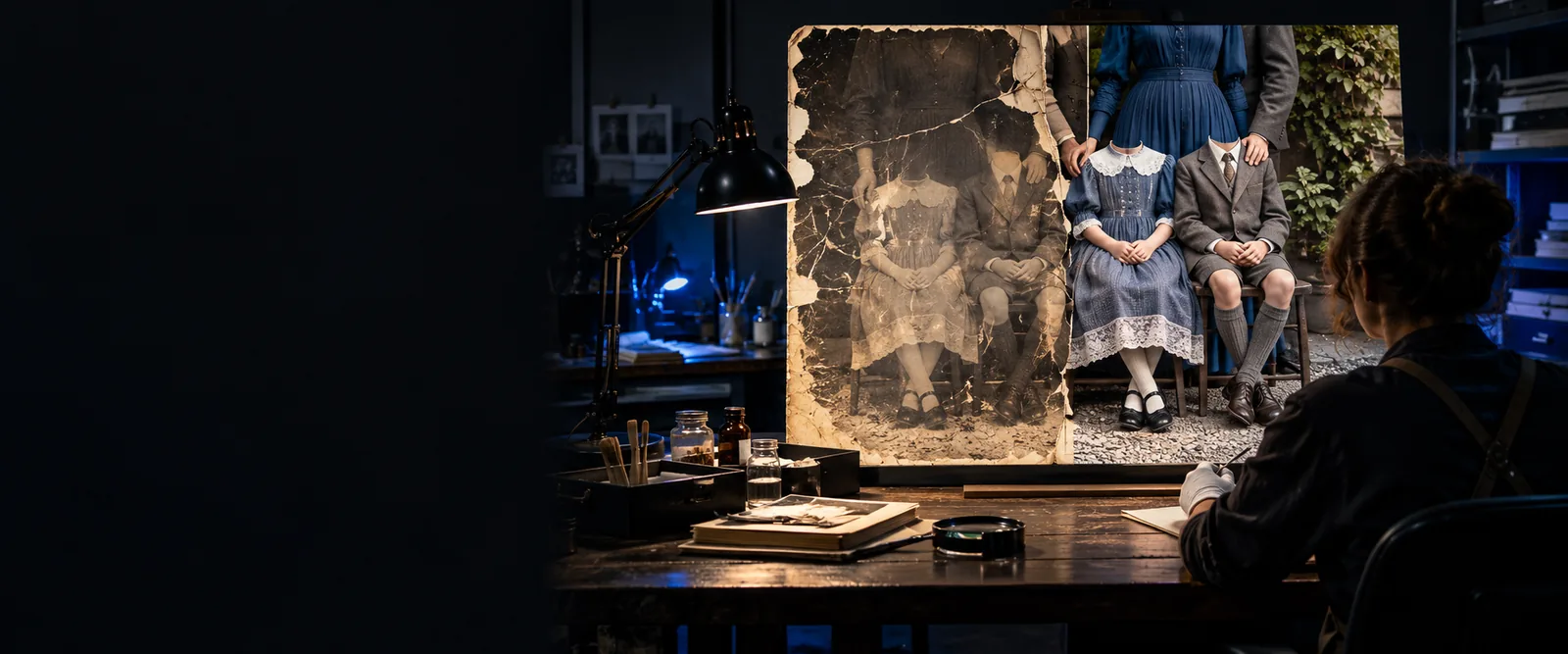
A hand, deep shadow, or object covering part of a face is not ordinary blur. CodeFormer cannot know the true shape of features hidden behind it.

What to do instead

Retain the original for documentary use and describe any completed area as an interpretation.

3

Whole-photo repair

Improving a face does not necessarily fix a blurred background, torn print, incorrect colors, or poor composition elsewhere in the photograph.

What to do instead

Treat face restoration as one part of a wider editing workflow and review the entire image afterward.

4

Guaranteed resemblance

Even when CodeFormer makes blurry faces look sharper, it can change subtle expression or facial structure. Apparent sharpness is not a measure of accuracy.

What to do instead

Compare at matched sizes, ask someone familiar with the subject when appropriate, and keep the unedited original.

If the face is still recognizable in the source, CodeFormer may be worth exploring. Preserve the original, examine the restored version for changed features, and choose the image that suits your purpose.

Review a clearer portrait

  • Start with the best available original
  • Check resemblance as well as sharpness
  • Keep restored images distinct from source records
Explore face restoration

FAQ

CodeFormer can make some blurry faces appear clearer by reconstructing facial features. Results depend on how much usable information remains in the source, and reconstructed details should not be treated as verified originals.

A severely blurred face gives CodeFormer little reliable structure to follow. It may still produce a plausible-looking portrait, but the resemblance can be inaccurate; look for a better source before relying on the result.

CodeFormer is intended for facial restoration rather than general repair of every part of an image. Check the background and other people separately, because an improved face does not mean the entire photograph has been corrected.

Compare the output with the original at the same size, paying attention to expression, facial shape, and distinctive features. Keep the original available, especially for archival, identification, or other uses where accuracy matters.

Restore a photo
Restore a photo