Restore a photo
English

Face restoration comparison

Choosing between codeformer vs gfpgan for your photos

Both models can reconstruct faces in damaged or low-quality images, but neither can recover details the source never captured. The better choice depends on how much you value a polished face versus a result that stays close to the person in the original.

Portrait imagery illustrating face restoration

The verdict first

Start with GFPGAN when you want a straightforward, polished restoration. Start with CodeFormer when preserving a recognizable face matters more, and compare both against the original rather than treating either output as ground truth.

Compare the result dimension by dimension

Use the same source image for both models. A good-looking face is not necessarily a faithful one, especially when the input is tiny, heavily compressed, or partly obscured.

  1. 1

    Inspect the source face

    Before choosing a restorer, look for usable evidence around the eyes, mouth, hairline, and face outline. If those features are absent, either model must infer them. Note the original expression and distinctive features so a smoother output does not quietly become a different person.

  2. 2

    Judge identity and finish separately

    Compare CodeFormer and GFPGAN at the same display size, then zoom in. Check whether one changes eye shape, smile, age cues, or skin texture. A polished result may suit a casual portrait, while a less dramatic change may be preferable for a family photograph where resemblance is the priority.

  3. 3

    Check the whole photograph

    Face restoration concentrates on faces; it does not automatically repair torn borders, faded clothing, or an indistinct background. Look for seams where a restored face meets the rest of the image, and keep the untouched original available for comparison. Choose the result that serves the photograph, not just the face crop.

Who each approach suits

The intended use matters as much as the model. These common situations help narrow the choice without assuming that one restorer wins on every image.

Family-photo archivist

You have a small scan of a relative and want a face that remains recognizably theirs. Try CodeFormer alongside the original, then reject changes to distinctive features even if the result looks sharp.

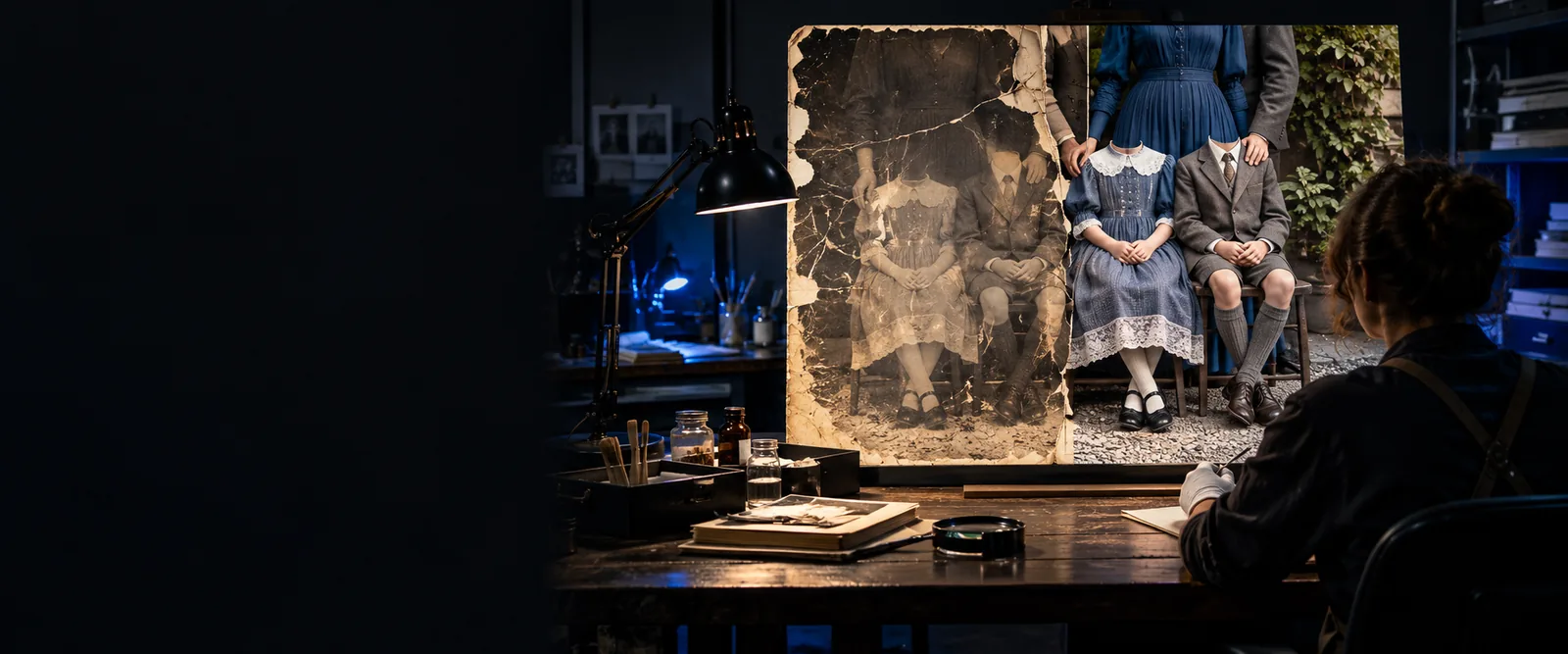
Prioritize resemblance over an immaculate finish; facial repair is only one part of treating an aged print.

can codeformer restore old photos

Portrait editor

A compressed or softly focused portrait needs to look presentable at a modest viewing size. GFPGAN may give you the finish you prefer, but compare its skin and expression against a CodeFormer result before selecting one.

Pick the version that improves legibility without making the subject look unexpectedly different.

can codeformer fix blurry faces

Image-workflow creator

You need to decide whether an existing face needs repair or whether the image itself needs broader creative changes. Test a face restorer for the former; do not expect it to replace scene editing or generation.

Keep restoration and creative transformation as separate decisions, with the source image as your reference.

codeformer vs stablediffusion

A practical migration path

Already using one model? Run a small set of representative photos through the other before changing your workflow. The table identifies what to compare, not a universal winner.

CodeFormer GFPGAN
Primary task Restores degraded faces using a learned facial prior. Evaluate its output for both clarity and resemblance. Restores degraded faces using a learned facial prior. Evaluate its output for both clarity and resemblance.
Identity trade-off Offers a fidelity-quality trade-off in implementations that expose its fidelity weight; compare settings rather than assuming the sharpest is best. Can produce an appealing reconstruction, but the inferred details still need checking against the source face.
Perceived finish May be useful when you want to balance visible restoration against changes to facial characteristics. Often worth testing when a smooth, immediately polished portrait is the goal.
Very weak input Cannot verify missing eyes, mouth details, or expression from an unreadable source; inspect any reconstructed features critically. Faces the same evidence limit; a convincing reconstruction should not be mistaken for recovered historical detail.
Non-face damage A face-focused result does not by itself repair scratches, backgrounds, or every defect in a scanned print. A face-focused result likewise needs separate work for damage outside the facial region.
First migration test If GFPGAN looks too altered, compare a CodeFormer output against the original for recognizable features. If CodeFormer looks less finished than you need, compare a GFPGAN output at your intended viewing size.
Decision criterion Keep it when the subject remains recognizable and the overall photograph still feels coherent. Keep it when the improved appearance outweighs any changes you can see in identity or expression.

A comparison is most useful when both outputs come from the same source and you can inspect them beside the untouched image. Select for your purpose: a pleasing portrait, a recognizable family member, or a conservative repair. Codeformer is a guide to the restoration approach, not a promise that missing facial details can be recovered.

Test the choice on a photo that matters

  • Keep the original image for reference
  • Inspect resemblance as well as sharpness
  • Review the full photo, not just the face
Explore restoration options

Comparison FAQ

Not for every photograph. CodeFormer is worth testing when resemblance is your main concern, while GFPGAN may give you a finish you prefer on some portraits. Compare results from the same input and judge identity separately from sharpness.

Try both on the face, but keep the original scan visible while judging them. Check familiar features such as the eyes, smile, and face shape before choosing a result. Neither face restorer handles every kind of damage elsewhere in an old print.

Both models infer plausible detail from incomplete visual information rather than retrieving a hidden original face. Their different restoration methods can produce different textures and facial features from the same input. Differences become especially important when the source is small or badly damaged.

Start by testing a few images that represent the range of faces and damage in your collection. Compare each new result with both your previous output and the untouched source. Move only the images that benefit; there is no need to assume one model must handle the entire collection.

Choose according to the image's purpose. For an archival or personal photograph, recognizable features may matter more than a flawless surface; for a casual presentation image, you may favor a polished appearance. Preserve the original so viewers can distinguish restoration from recorded detail.

Restore a photo
Restore a photo